Text and notes
Add a text field for a name or reference. Enable Multiline for longer answers, and adjust the field’s size so the response has room.
PDF FORMS IN PELLUCID
Complete a PDF you’ve received, or turn a page layout into a reusable form. Pellucid’s Forms workspace separates entering values from designing the fields people will use.
TWO WAYS TO WORK
In Forms → Fill, enter values into supported interactive fields on the page. Use Tab and Shift+Tab to move between fields, and Space to toggle checkboxes or radio options.
In Forms → Design, choose a field tool, place it on the page, and edit its name and properties in the inspector. Save the design before testing it in Fill.
A printed box on a PDF isn’t necessarily a form field. If clicking a blank space doesn’t let you type, the document may need fields added first.
Follow the field-creation tutorial →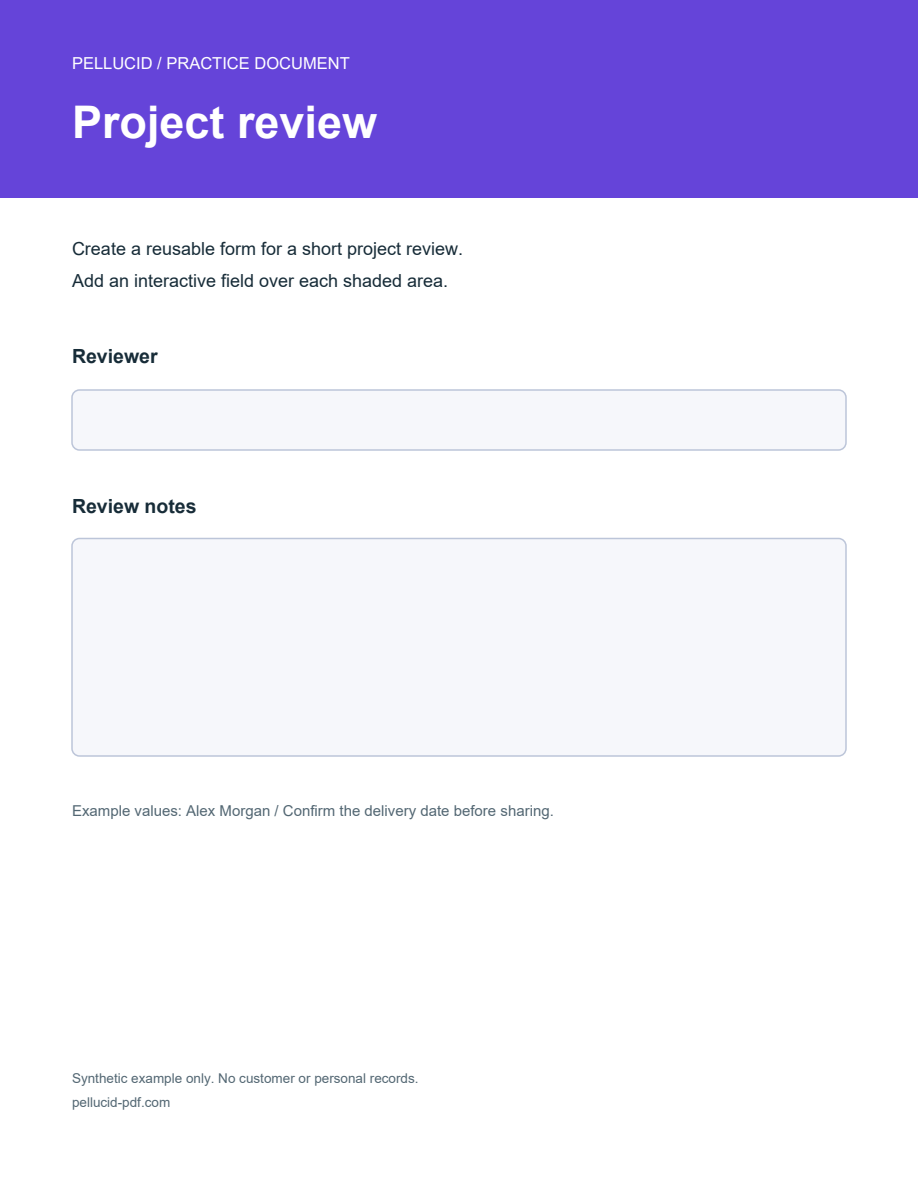
FROM BLANKS TO A REUSABLE DOCUMENT
Start with a short form and check the saved result before sending it to someone else.
Add a text field for a name or reference. Enable Multiline for longer answers, and adjust the field’s size so the response has room.
Use checkboxes for independent selections, radio groups for related alternatives, or a dropdown for a list of options.
Move and resize fields, edit their geometry in the inspector, and use the arrange tools to align multiple selected fields.
ALREADY HAVE AN INTERACTIVE FORM?
Keep the original blank form if you’ll need it again. A flattened export changes interactive content, so use ordinary Save or Save As when you need the fields to remain editable.
KNOW WHAT YOU’RE OPENING
Pellucid supports AcroForm fields. Unsupported form types may be inspect-only; this isn’t a promise to edit every XFA form. Use the trial to check the actual documents you work with.
No. This workflow places fields manually on a page. It doesn’t automatically detect fields or perform OCR on scanned text.
Adding or naming a form field doesn’t rewrite the underlying page text. Prepare the labels in the source document before exporting it to PDF, or use the supplied practice sheet.
Save or revert pending Fill changes before editing the design. Keeping the two kinds of changes separate helps avoid losing values when fields are changed.
Downloads are available for Windows, macOS, and Linux on the listed supported systems. One named user can activate up to three computers. Check exact platform requirements or review license coverage.
BUILD A SMALL FORM FIRST
Download the blank practice sheet and follow the guide to adding and testing two text fields.